
The schedule and the labor plan, in one product.
Six parts that take a job from the master schedule to the crew on site Monday morning, all working from the same schedule.
What System 1 Flow does.
Scheduling & CPM
Gantt schedules with critical path, working calendars and versions.
Learn more: Scheduling & CPM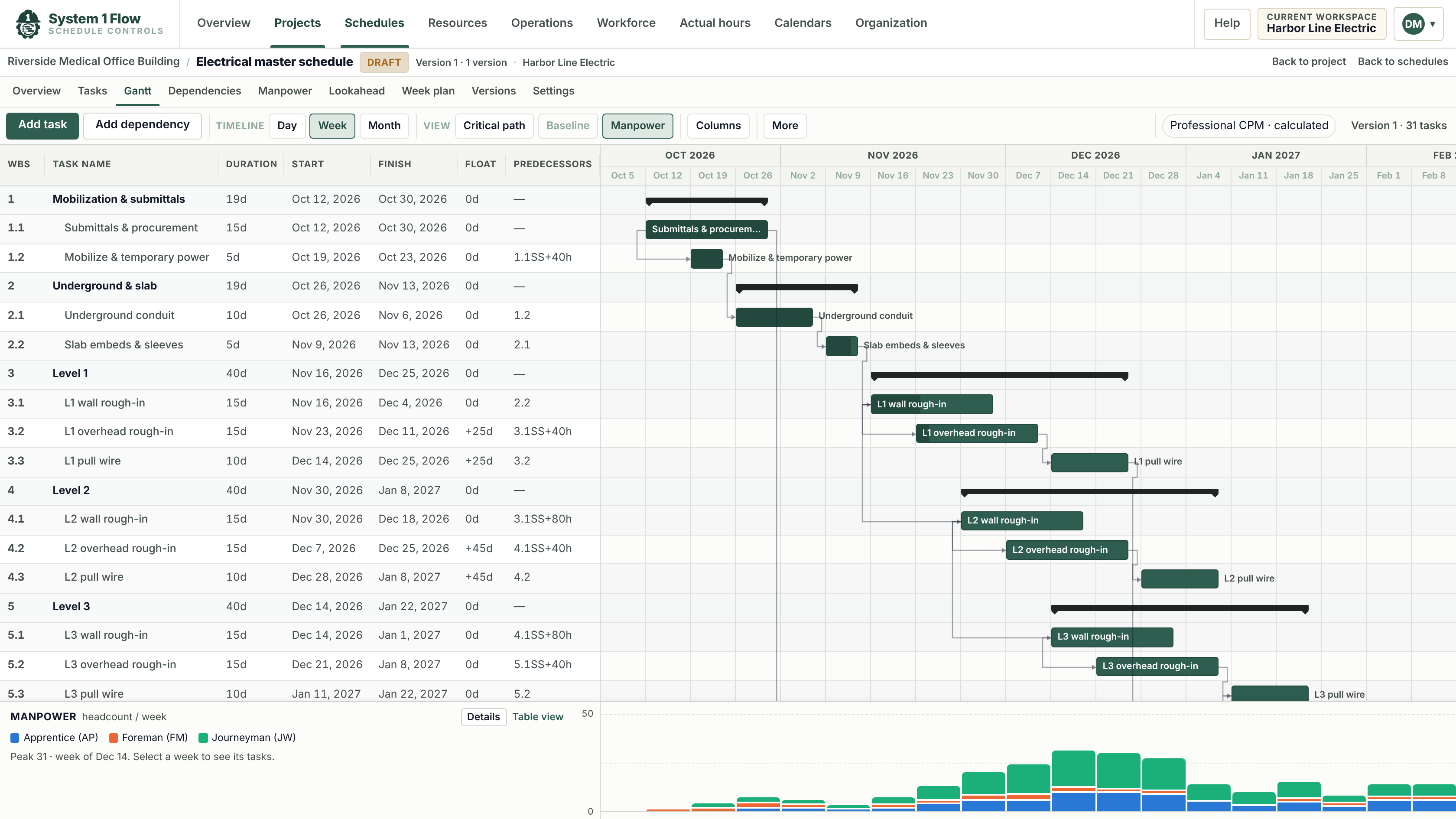
P6 & MS Project Import
Bring in Primavera P6 and Microsoft Project files and keep each update as a version.
Learn more: P6 & MS Project Import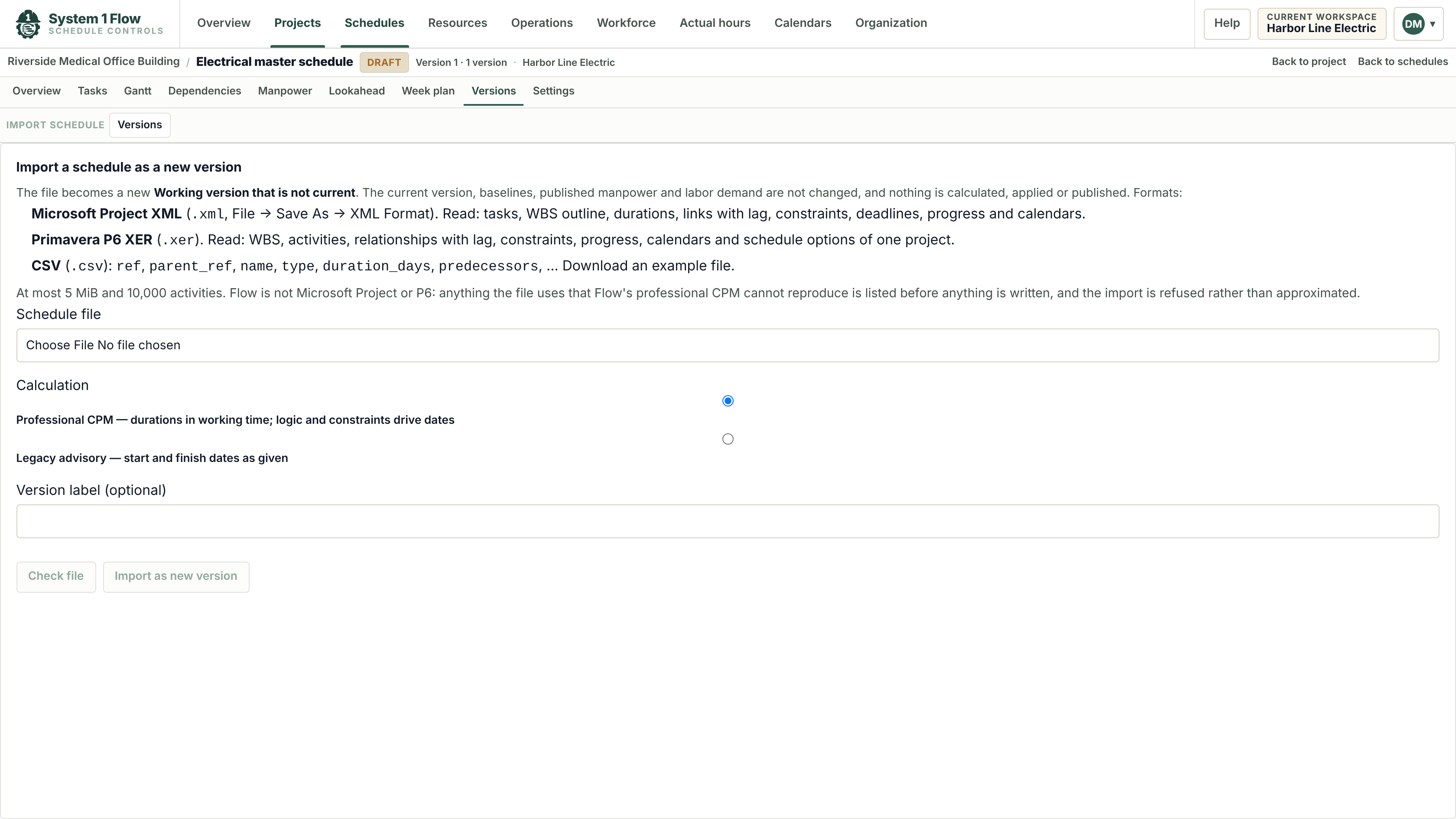
Lookaheads & Week Plans
Printable lookaheads and weekly commitments, straight from the master schedule.
Learn more: Lookaheads & Week Plans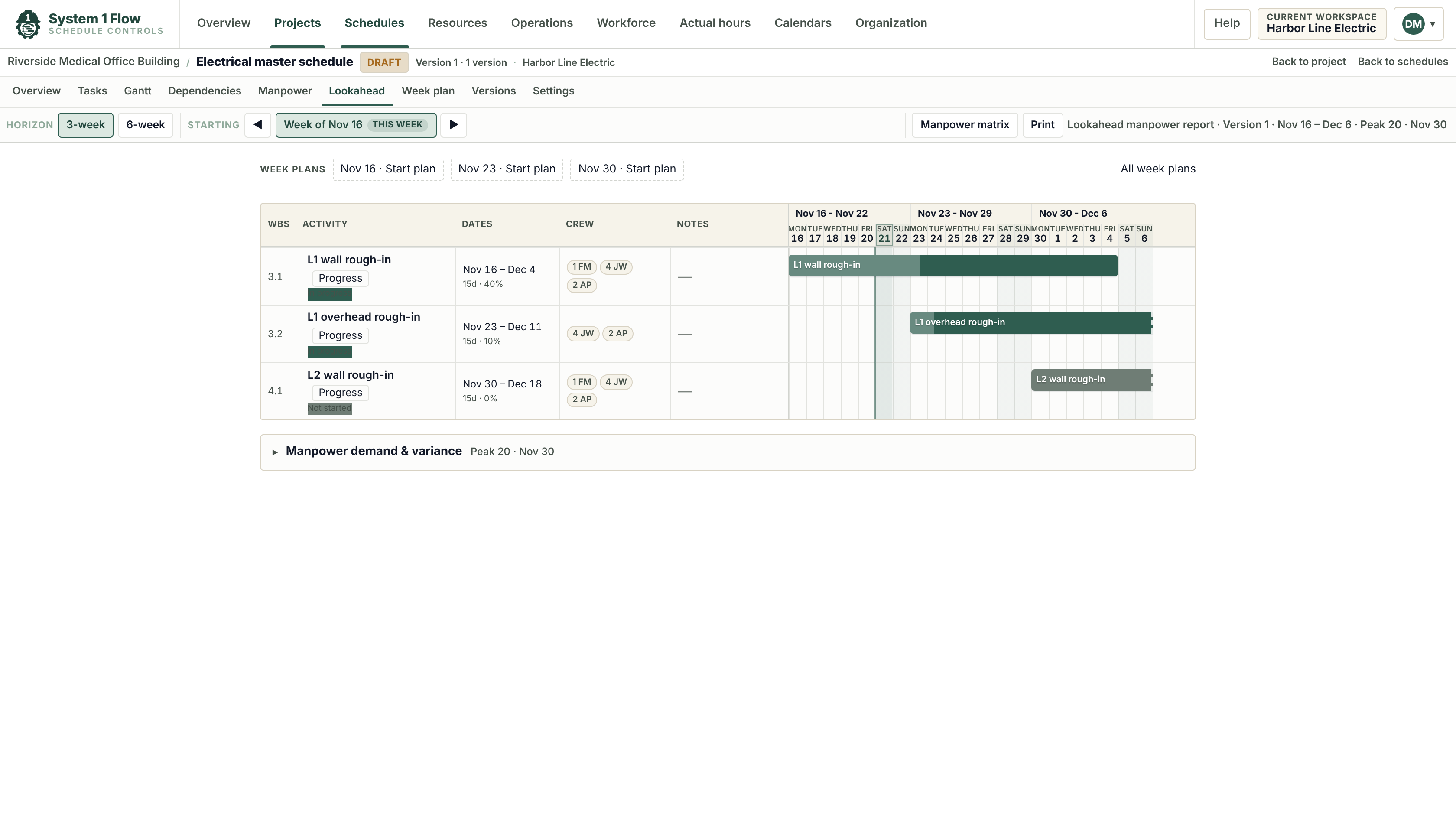
Manpower & Crew Loading
Weekly labor demand by role from the schedule, against the crew you plan to have.
Learn more: Manpower & Crew Loading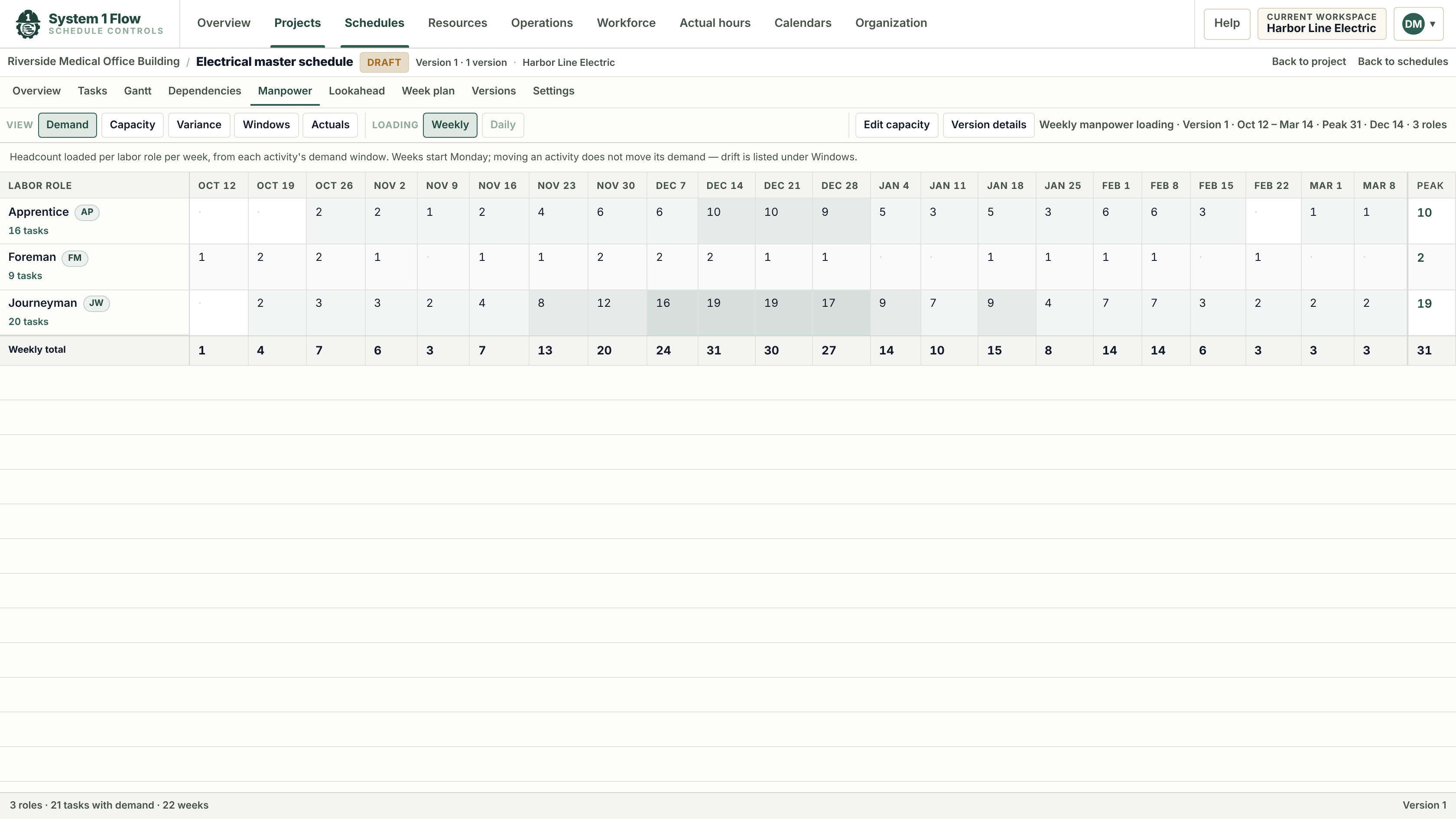
Workforce Planning
Allocate crews across jobs, test what-if scenarios and issue a rolling forecast.
Learn more: Workforce Planning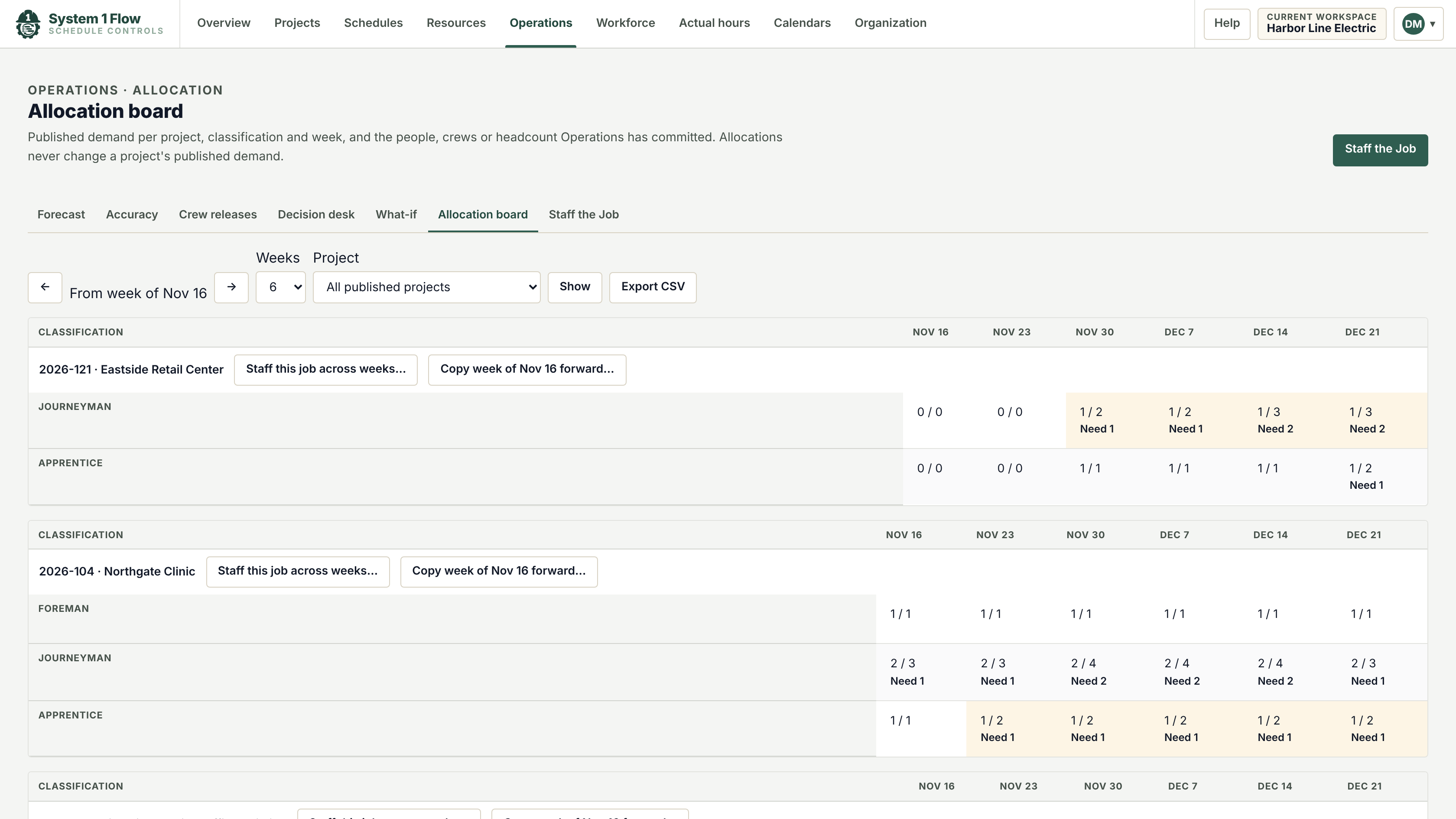
Actual Hours
Import hours from your timekeeping and compare them with the plan.
Learn more: Actual Hours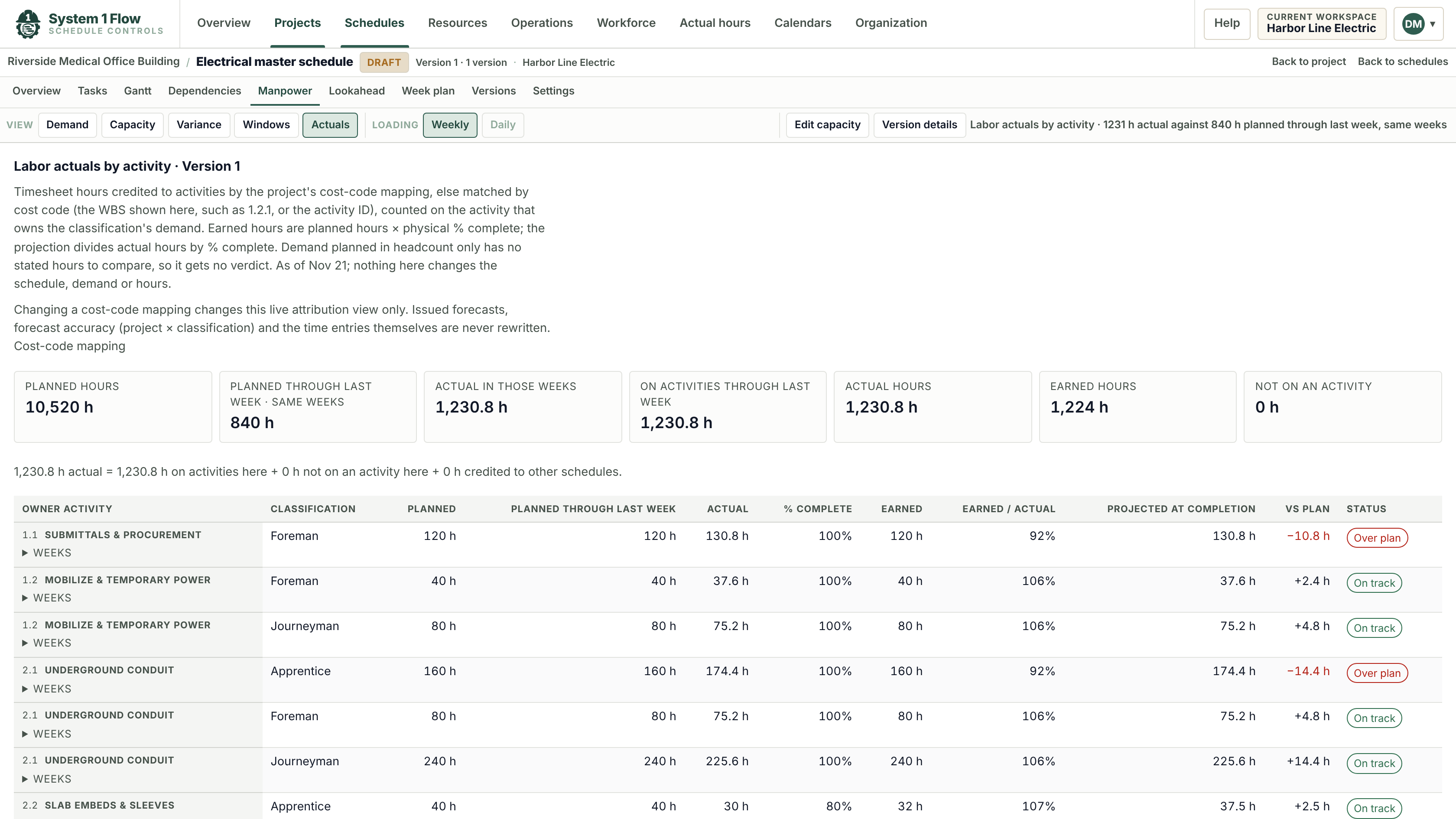
Product questions.
Can I import a schedule from Primavera P6 or Microsoft Project?
Yes. Flow imports Primavera P6 XER files and Microsoft Project XML files, keeps the activities, durations, links and calendars, and stores each import as a version you can compare.
Do I need a scheduler to use it?
No. Project managers and superintendents build and update schedules in Flow every day. Durations are in working days and dates are calculated for you.
How does Flow know how many people a job needs?
You put labor roles and crew sizes on the activities that need them. Flow spreads that demand across the activity dates and adds it up by week and role.
Does it work on an iPad?
Yes. Flow runs in the browser on desktop and iPad, and lookaheads print cleanly for the job trailer.
Does Flow replace our payroll or timekeeping system?
No. Flow imports actual hours from the timekeeping you already use and compares them with the plan. Pay, payroll and timesheets stay where they are.
See it with your own schedule.
Bring a schedule from a current job and we will walk you through it in Flow.