
Work from the GC's schedule, not a PDF of it.
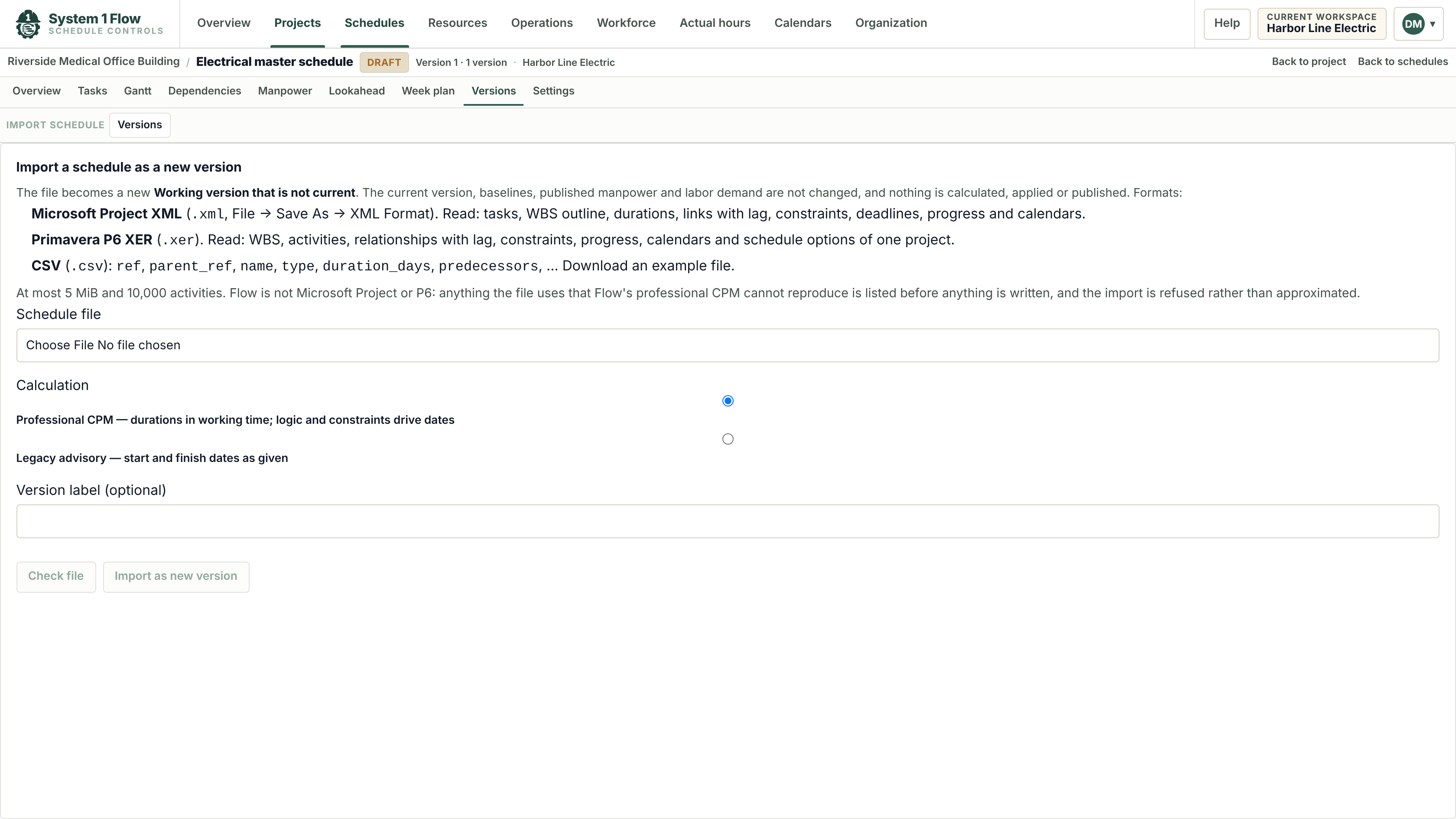
Import the general contractor's Primavera P6 or Microsoft Project file. Flow keeps the activities, links and calendars, and stores each update as a new version you can compare with the last.
Every update, side by side.
When the next update arrives, import it as a new version. Flow shows what was added, removed and moved, so you can see what changed for your scope before the next coordination meeting.
- Primavera P6 XER files
- Microsoft Project XML files
- Activities, durations, links, calendars and work breakdown
Import questions.
Which files can I import?
Primavera P6 XER exports and Microsoft Project XML files (in Microsoft Project, File, Save As, XML). If you only have an .mpp file, save it as XML first.
Will my dates match the original?
Flow recalculates the imported schedule with its own CPM engine, built to match P6 and Microsoft Project, and flags anything it could not bring across.
Can I add my own crew loading to an imported schedule?
Yes. Labor roles and crew sizes you add stay on your schedule, so the imported plan becomes your labor plan.
Send us the GC's schedule.
We will import it and show you the crew loading for your scope.